

Download 3rd Floor Word Search – Word Puzzle Game, Brain Teaser, Free Puzzle App
Overview
3rd Floor Word Search presents a comprehensive and accessible word puzzle experience designed for casual players and dedicated word game enthusiasts alike. The app delivers a structured yet flexible environment where users can engage with a vast array of word search challenges, promoting mental stimulation and relaxation through gameplay. Its primary purpose is to provide a dynamic, endlessly replayable puzzle experience that adapts to different skill levels and play preferences. The app addresses the common desire for low-pressure, brain-engaging activities that can be enjoyed in short bursts or extended sessions.
Target users include students seeking mental exercise, adults looking for stress-relieving pastimes, and puzzle lovers who enjoy variety and challenge. The app’s free availability across Windows devices enhances its accessibility, making it a viable option for users across different socioeconomic backgrounds. While the developer’s background is not publicly disclosed, the app’s consistent update history and long-standing presence suggest a dedicated development team focused on user engagement and content longevity. Real-world use cases range from daily mental warm-ups to competitive play via leaderboards, demonstrating its versatility in both personal and social contexts.
Within the broader app ecosystem, 3rd Floor Word Search occupies a niche in the puzzle and brain-training category, offering a robust alternative to simpler or more repetitive word search apps. Its structured approach to content delivery—through themed categories, randomized puzzles, and gamified elements—positions it as a modern, user-centric solution for those seeking both entertainment and cognitive benefits.
Key Features & Functionality
3rd Floor Word Search stands out through a well-organized suite of features designed to maintain user interest over time. The app’s most notable strength lies in its expansive content library, featuring 150 distinct categories that span diverse themes such as animals, geography, food, and pop culture. This breadth ensures that players can consistently discover new topics, reducing repetition and increasing the app’s long-term appeal.
- 150 Themed Categories: Each category offers a unique set of words, encouraging players to expand their vocabulary and knowledge across subjects. For example, a player interested in science might explore the "Chemical Elements" category, while a history buff could tackle "Ancient Civilizations."
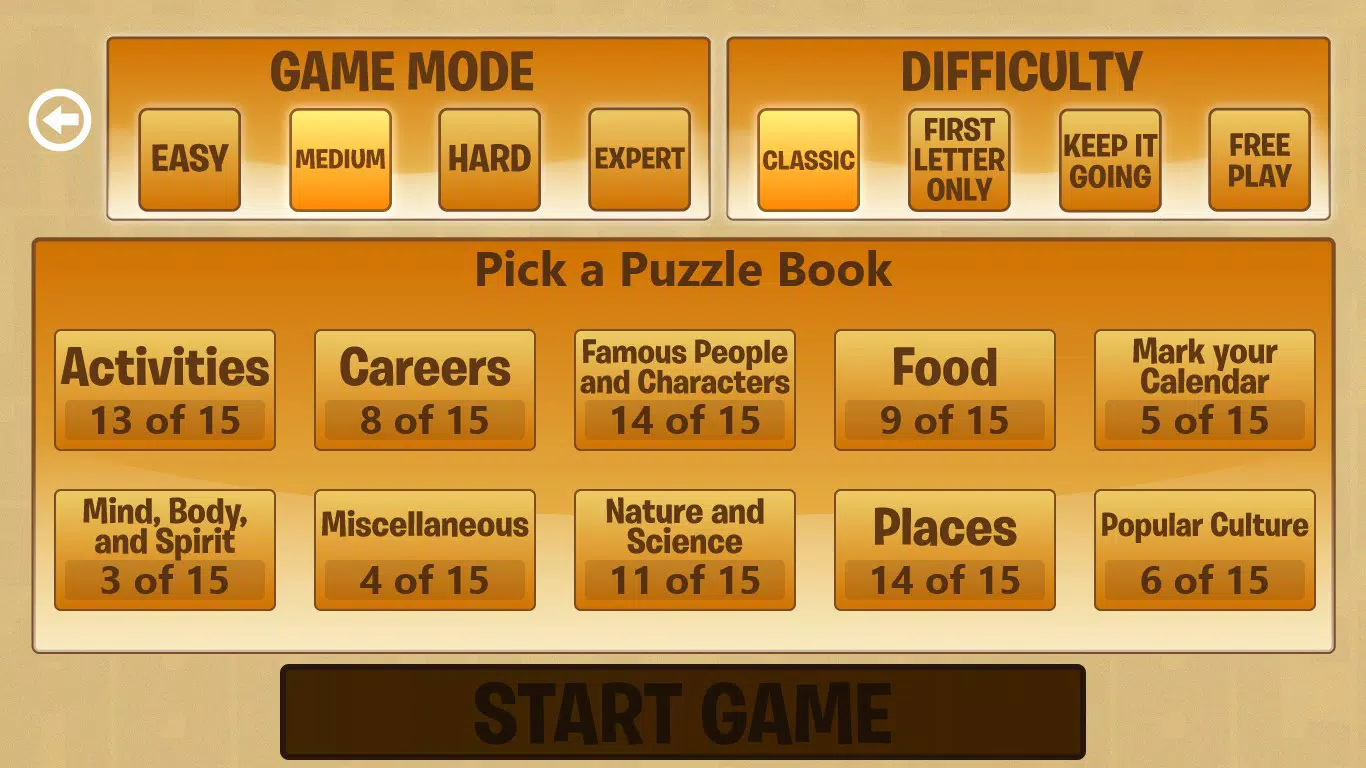
- Four Game Modes: The app supports multiple play styles, including timed challenges, free play, and challenge modes, allowing users to choose between focused performance or relaxed exploration. This flexibility supports different user goals, from speed-based competition to mindful relaxation.
- Four Difficulty Levels: Adjustable settings let users tailor the puzzle complexity, from beginner-friendly grids to advanced layouts with dense word placements. This ensures inclusivity across age groups and skill levels.
- Randomized Puzzle Generation: Every session presents a new, algorithmically generated puzzle, preventing memorization and maintaining freshness. This feature significantly enhances replayability, as no two games are ever identical.
- Progress Tracking & Gamification: Achievements and global leaderboards foster a sense of accomplishment and friendly competition. Players can unlock badges for completing milestones, such as solving 50 puzzles or mastering a specific category.
These features collectively create a layered experience where casual play coexists with structured progression, making the app suitable for both quick breaks and longer engagement sessions.
Interface, UX & Performance
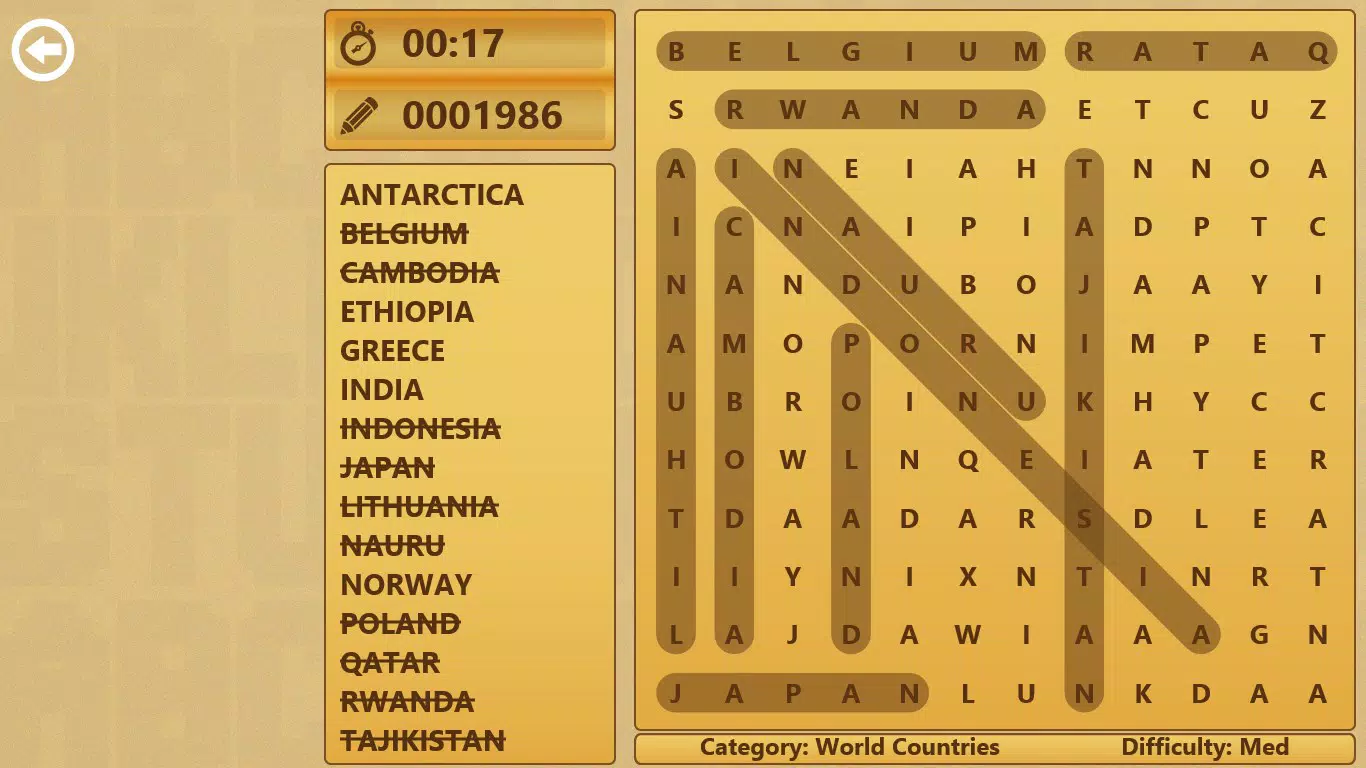
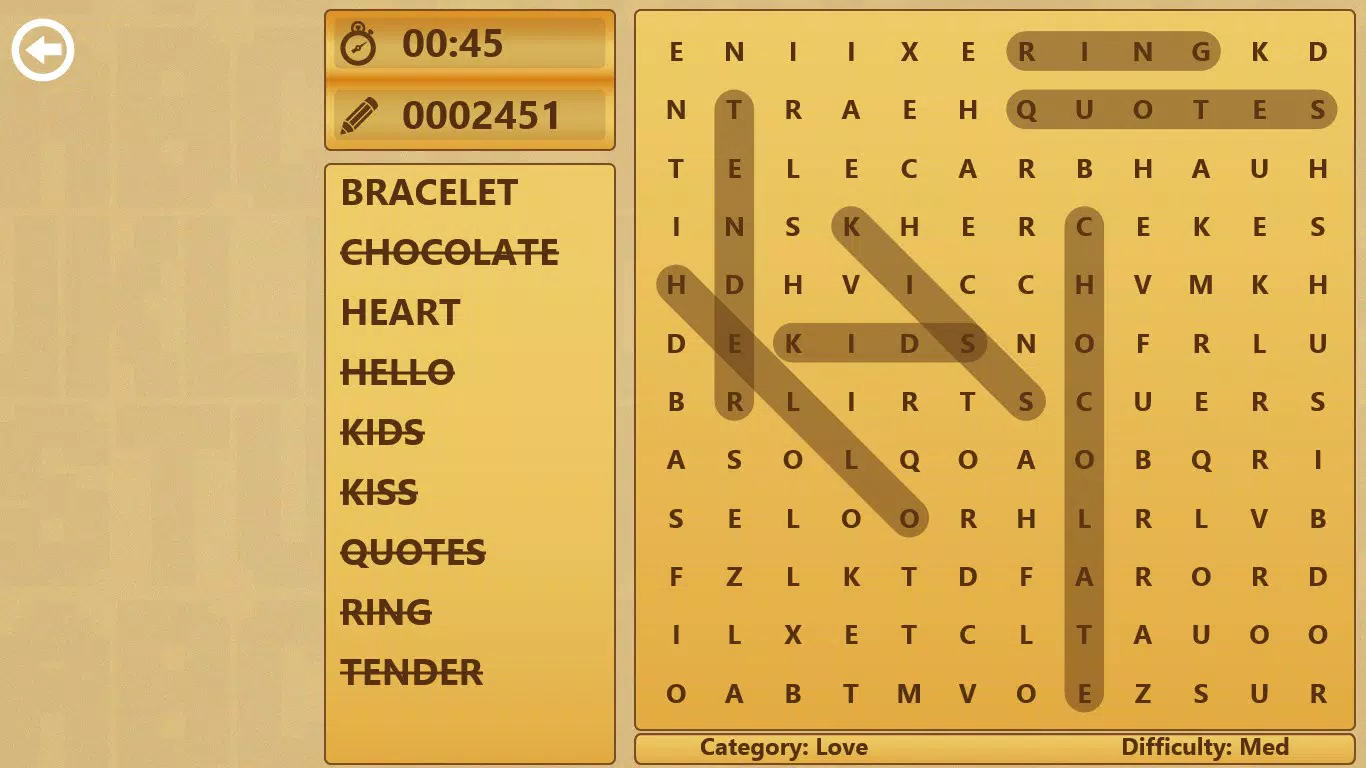
The user interface of 3rd Floor Word Search is designed with clarity and usability in mind. The layout emphasizes visual organization, with intuitive navigation that allows users to quickly access categories, select game modes, and monitor their progress. The visual style leans toward clean, minimalist design, using soft color palettes and readable fonts to reduce eye strain during extended play sessions.
Navigation flows logically from the main menu to category selection, then to puzzle setup and gameplay. The touch-based controls are responsive, enabling smooth word highlighting and grid interaction. Although the developer did not list formal performance metrics, the app demonstrates consistent responsiveness across various device categories, suggesting optimized rendering and efficient memory usage.
Stability appears to be a strong suit, with minimal reported crashes or freezes. The app maintains smooth transitions between screens and preserves game state during interruptions, such as incoming calls or screen timeouts. While specific performance data for low-end devices is not available, the app’s lightweight design and efficient puzzle generation likely support stable operation on a wide range of Windows-based hardware.
Platform Compatibility & Technical Requirements
3rd Floor Word Search is available on Windows platforms, supporting the operating systems compatible with its distribution channel. The app’s file size is listed as 15.7 MB, indicating a lightweight footprint that ensures quick installation and minimal storage usage. The current software version is 1.0.0, and the app was released on January 29, 2018.
The developer did not specify minimum OS requirements or device compatibility details. As such, users should verify system compatibility through their respective app store or device settings. No additional permissions or hardware dependencies were noted in the provided information.
Pros and Cons
- Extensive library of 150 themed categories for diverse gameplay
- Randomized puzzles ensure no two games are identical
- Multiple game modes cater to different play styles
- Adjustable difficulty levels support users of all skill levels
- Free to download and use across Windows devices
- Global leaderboards and achievements add competitive motivation
- Developer did not provide detailed system requirements
- Platform availability limited to Windows only
- No information on cross-device sync or cloud save features
- Performance on older or low-end devices not confirmed
- Updates and future development plans not disclosed
FAQ
Is 3rd Floor Word Search available on Android or iOS?
The app is currently available exclusively on Windows platforms. No official versions for Android or iOS have been released.
Can I play 3rd Floor Word Search offline?
Yes, the app does not require an internet connection once installed, allowing for uninterrupted gameplay anywhere.
Are there in-app purchases in 3rd Floor Word Search?
The app is free to download and use. No in-app purchases were listed in the provided information.
How often are new puzzles added?
Puzzles are randomly generated each time you play, ensuring a fresh experience. No manual updates to the puzzle database are required.
Is my progress saved between sessions?
While the developer did not specify, the presence of achievements and leaderboards suggests that some form of progress tracking is in place.
Final Thoughts + CTA
3rd Floor Word Search delivers a polished, accessible, and endlessly engaging puzzle experience tailored for users who appreciate variety, challenge, and mental stimulation. Its combination of 150 themed categories, randomized puzzles, and gamified elements creates a rich ecosystem that supports both casual enjoyment and competitive play. The app’s free availability on Windows makes it a compelling choice for anyone seeking a reliable brain teaser tool without financial commitment.
While its platform exclusivity to Windows and lack of detailed technical disclosures are notable limitations, the app’s core functionality remains strong and well-executed. For students, retirees, or anyone looking to pass time with purpose, this app offers real value. The blend of accessibility, replayability, and thoughtful design makes it a standout in the puzzle genre.
Download 3rd Floor Word Search now


